Project Details
Icon

TEAMTRACK

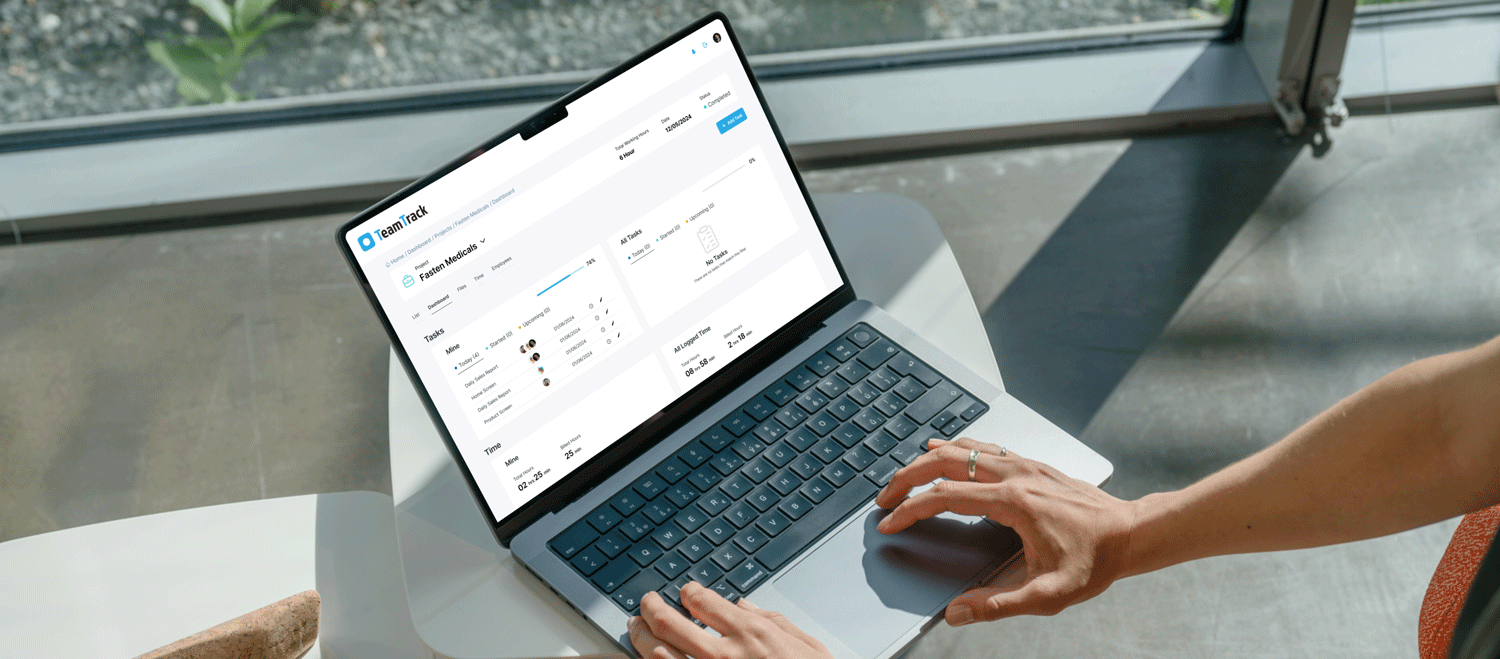
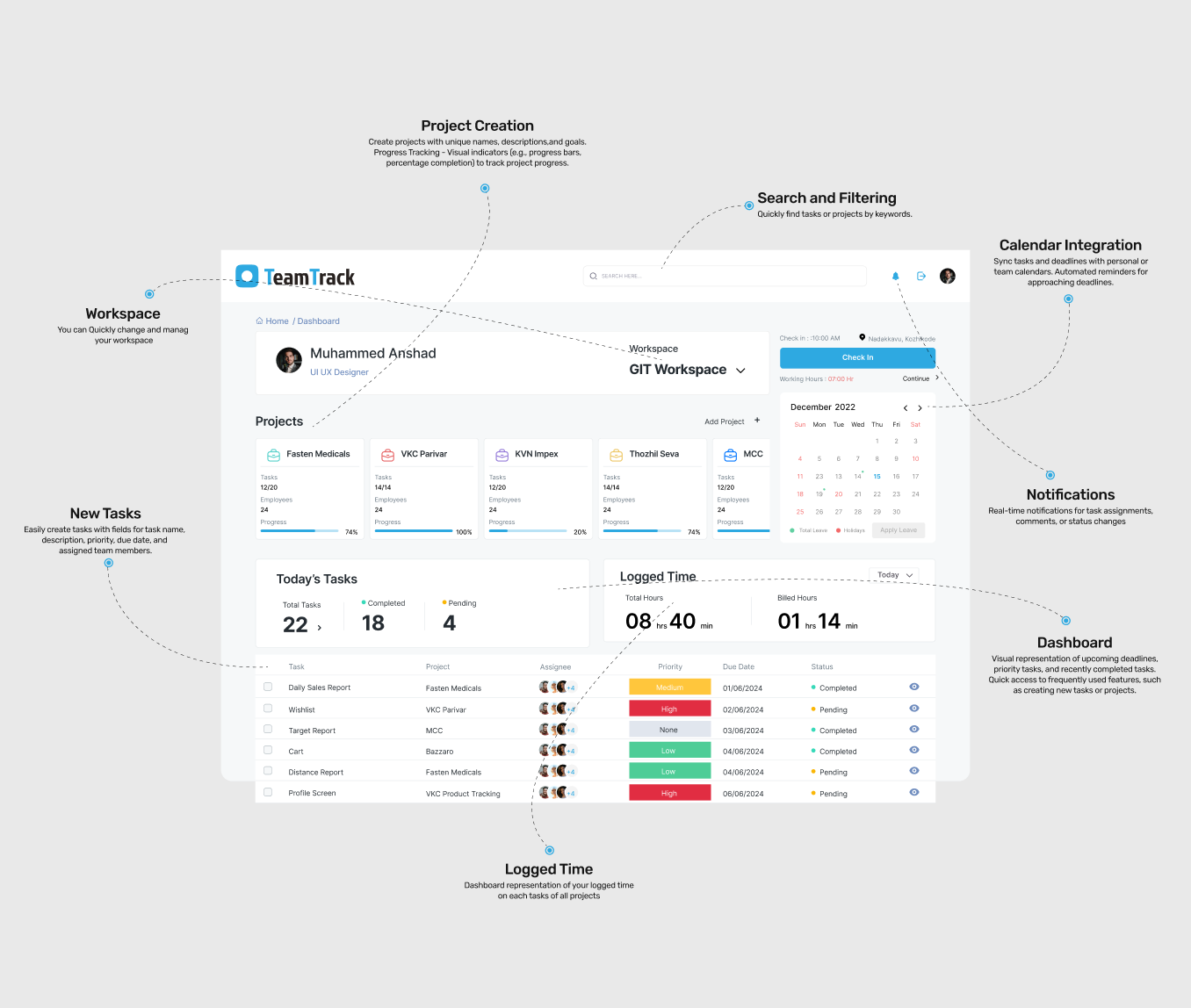
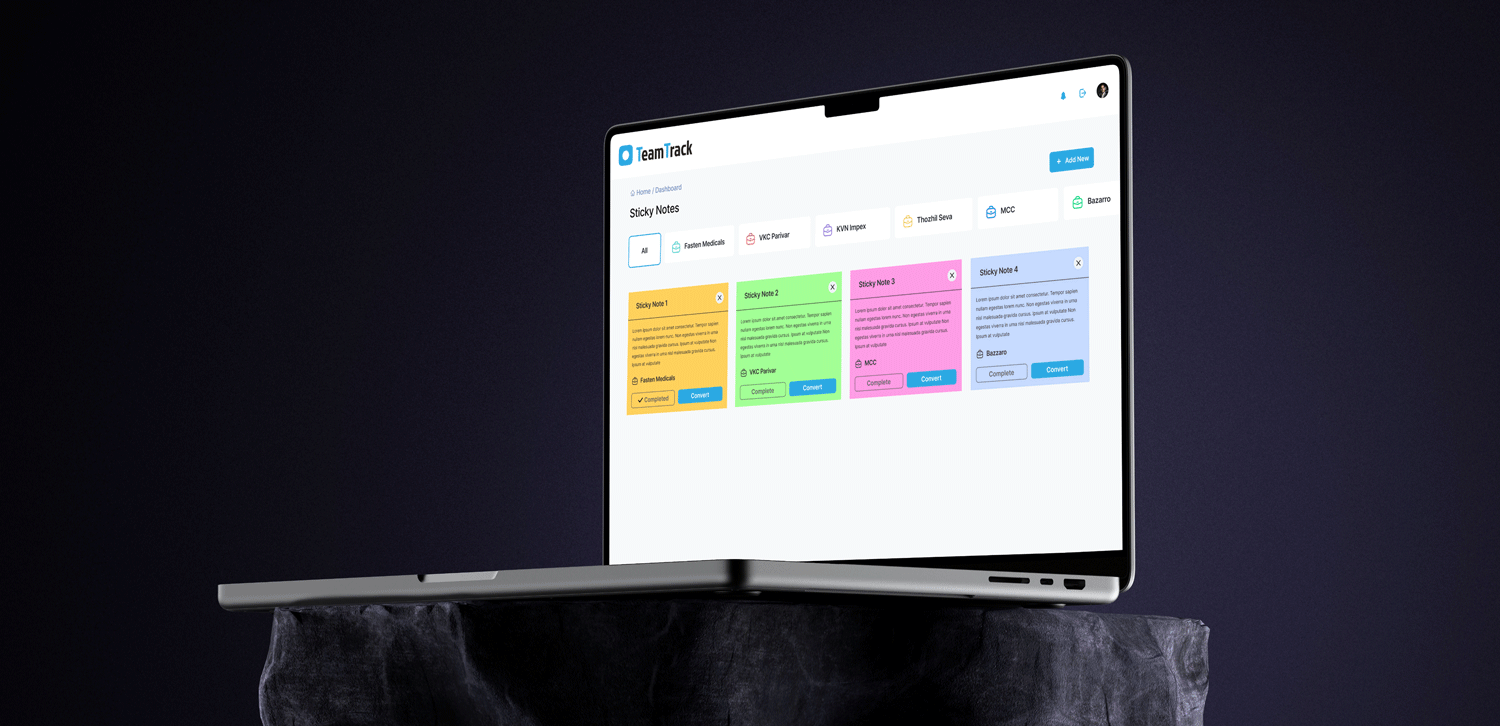
Team Track offers a user friendly interface, task visualisation, deadline notifications and more so you can focus on getting your work done on time and stress free.

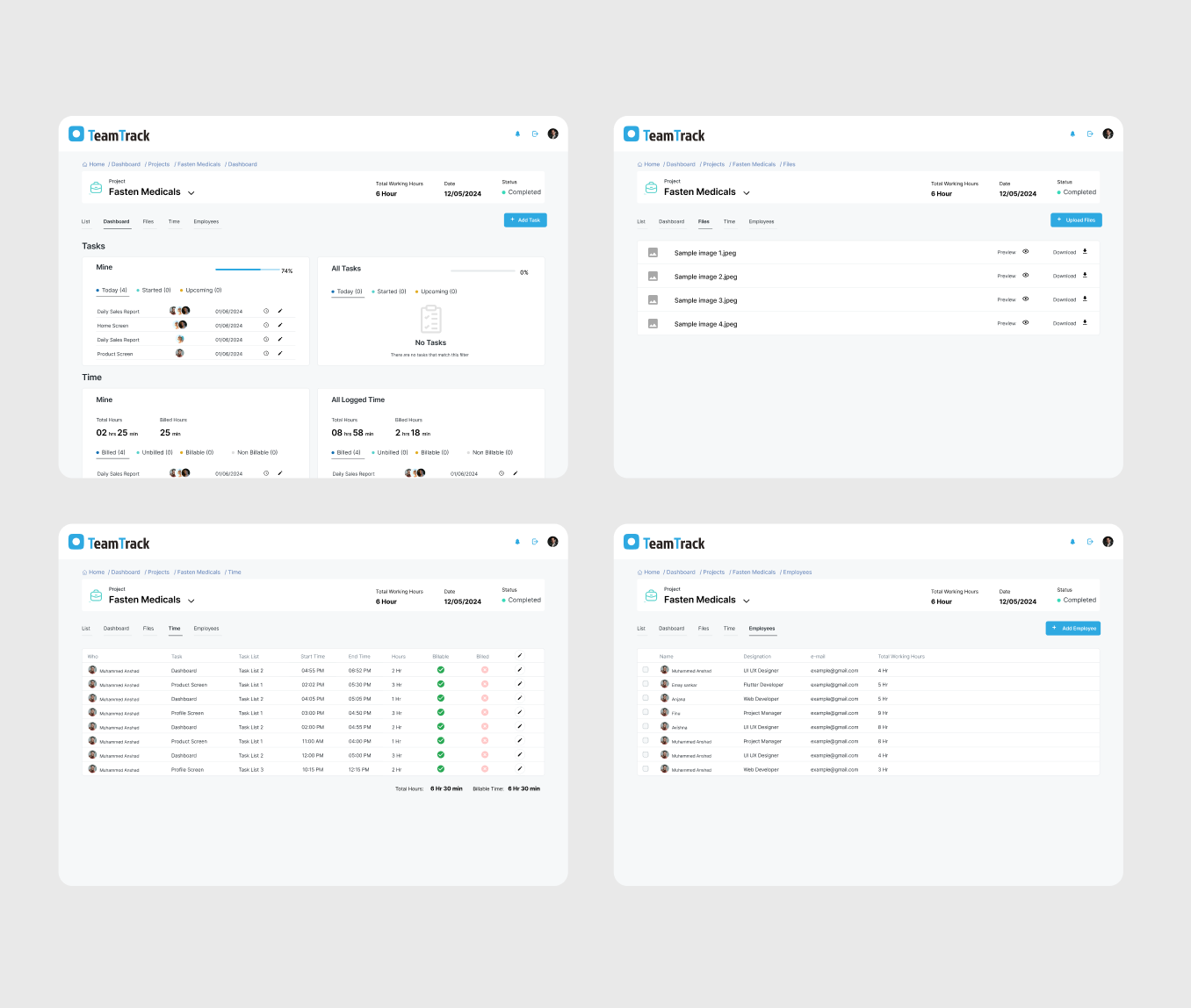
Manager your Projects and Set your Time logs on every tasks seperately. it helps improve your productivity.

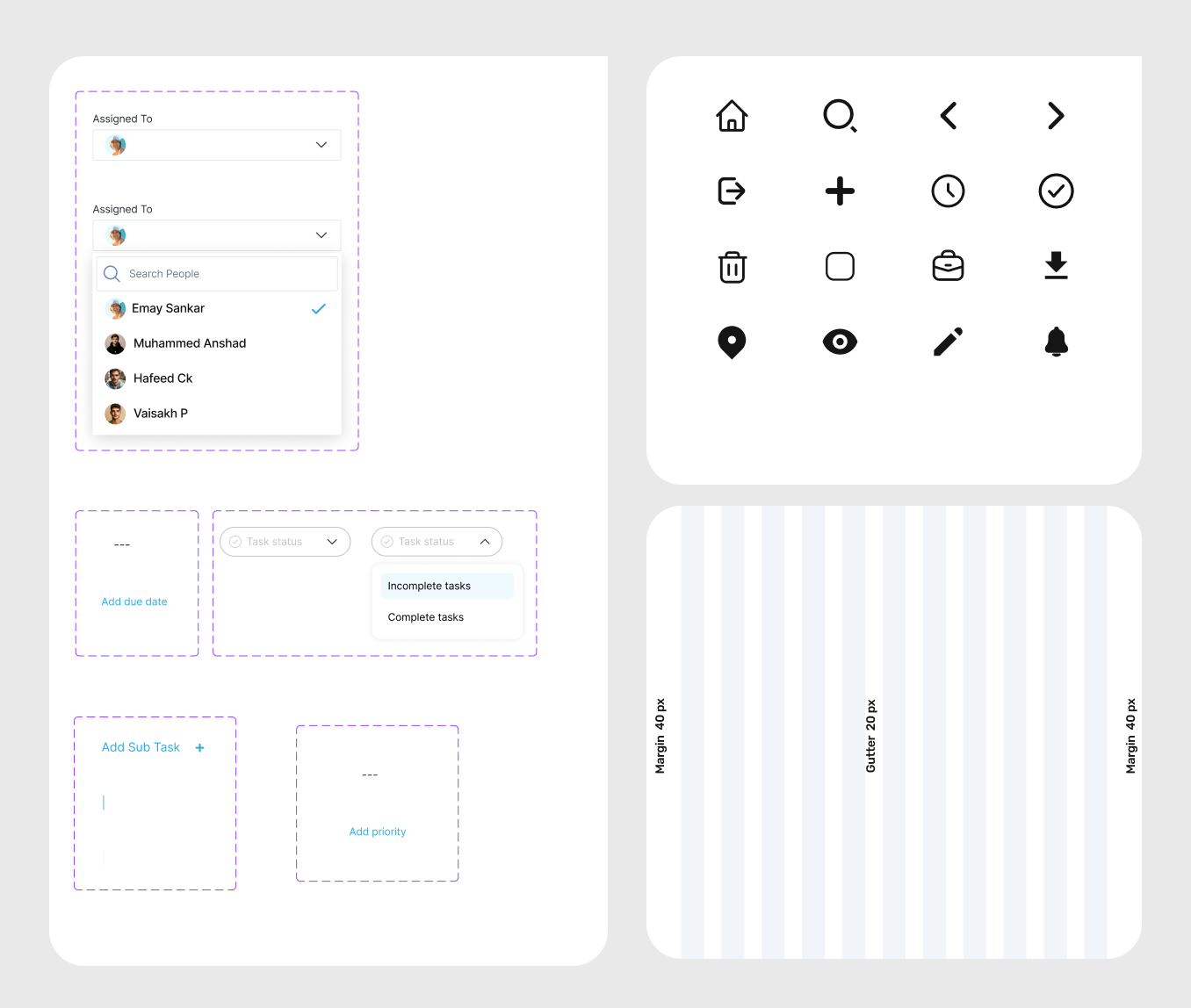
Users can create tasks with titles, descriptions, due dates, and priority levels. This feature allows for capturing all relevant details about a task, ensuring nothing is overlooked.

Using Team Track,Tasks can be assigned to specific individuals or team members. This helps in distributing work and clarifying responsibilities.

About

Team track is a powerful and intuitive task management web application. it allows you to easily organize your projects, setting time logs, track progress and distribute tasks to your team.

Project
Project
Project
Project
Project

Problem

Inaccurate Directions: The app might provide incorrect or outdated route information, leading to delays or incorrect deliveries.

Poor Map Integration: Users may experience lag or glitches in the map display, affecting their ability to follow routes.

Task Overload: Users may receive too many tasks at once or face difficulty managing multiple deliveries efficiently.

Delayed Notifications: Users might not receive timely updates or messages, affecting their ability to respond quickly.

Solution

Real-Time Updates: Ensure that the navigation system integrates real-time traffic and road condition data to provide accurate routes.

Offline Maps: Consider providing offline map functionality or cached routes to ensure usability in areas with poor connectivity.

Task Prioritization: Consider providing offline map functionality or cached routes to ensure usability in areas with poor connectivity.

Notification Settings: Allow users to customize notification preferences to ensure they receive critical updates promptly.

Project Details